
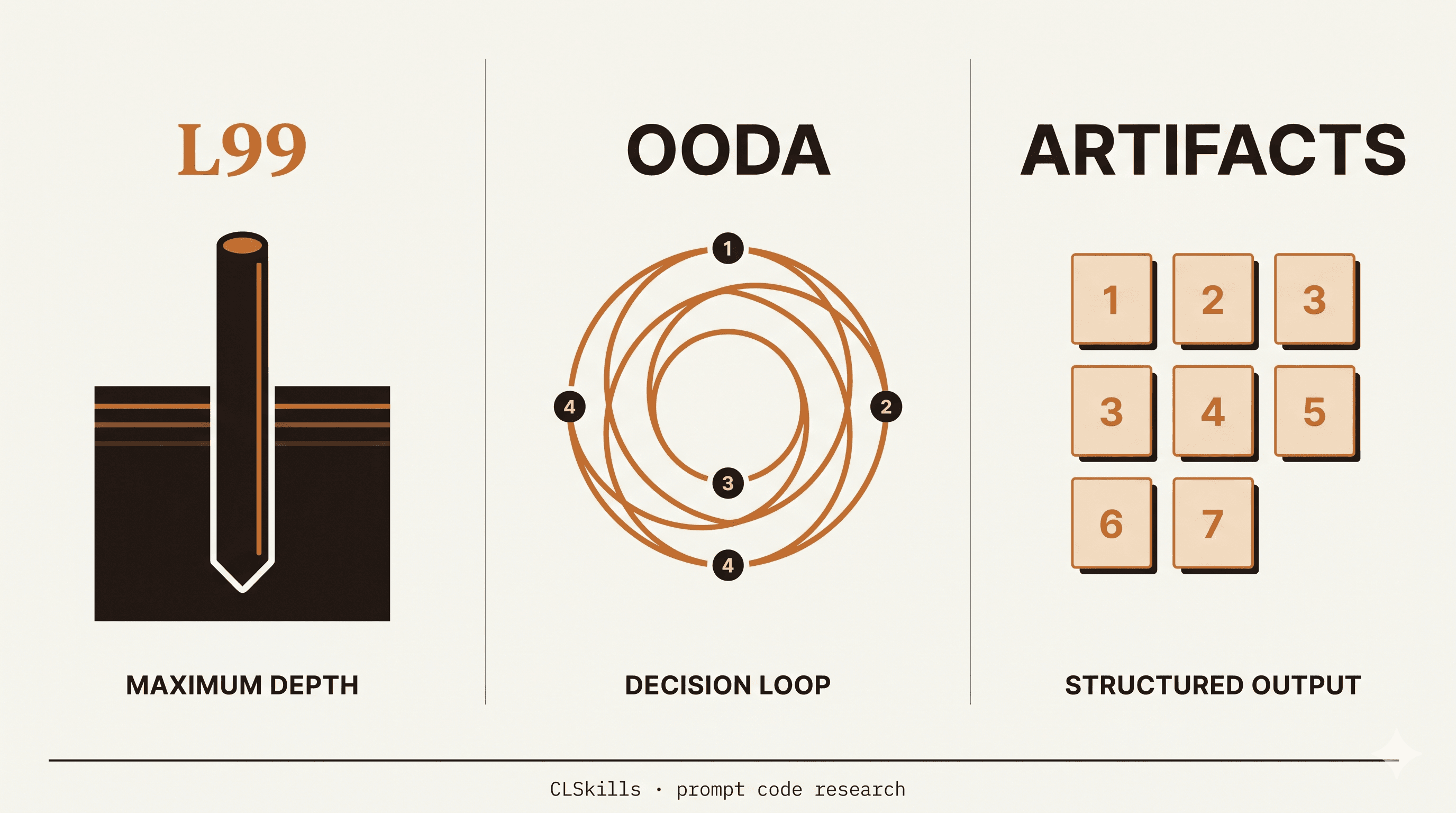
The Three Modes at a Glance
| Code | What it does | Best for |
|---|---|---|
| L99 | Maximum reasoning depth | Hard architectural decisions |
| OODA | Observe-Orient-Decide-Act framework | Time-sensitive decisions under uncertainty |
| ARTIFACTS | Structures output as numbered deliverables | Tasks with multiple outputs |
All three are real prompt codes that change Claude's behavior. None are official commands. None are documented. All work consistently when you put them at the start of a prompt.
We tested all three on the same prompts to see which one wins for which use case.
L99: Maximum Depth
Type L99 at the start of any prompt and Claude switches into a deeper, more thorough mode. Less hedging, fewer disclaimers, more actual content.
Example: "Should I rewrite my Express backend in Go?"
Without L99: "That depends on several factors. Go offers better performance for some workloads, but Node.js has a richer ecosystem..." (generic, hedged, 200 words)
With L99: "Don't rewrite. Here's why: your performance bottleneck is almost certainly the database, not the runtime. Profile first. If you've profiled and CPU is genuinely the bottleneck, here are the three migration paths in order of risk..." (specific, 800 words, opinion-first, walks through actual decision tree)
When to use L99
- High-stakes architectural decisions
- When you want a real opinion, not a list of considerations
- Complex debugging where you need every angle
- Strategic questions where hedging wastes your time
When NOT to use L99
- Simple lookups (waste of tokens)
- When you actually need a balanced overview
- Quick yes/no questions
Want L99 plus 159 more tested prompt codes in one PDF? The CLSkills Cheat Sheet Pro covers L99, OODA, ARTIFACTS, plus 30 advanced prompts with When-NOT-to-use warnings for each, 10 workflow playbooks, and a 30-day email channel directly with me. $25 lifetime, 4.9 average rating across 25 verified buyers. See the Pro tier →
OODA: Decision Framework
OODA stands for Observe, Orient, Decide, Act. It's a military decision-making loop, but it works incredibly well as a prompt structure for time-sensitive tech decisions.
When you start a prompt with OODA, Claude breaks the response into 4 explicit phases.
Example: "Our deploy is failing in production right now. What do I do?"
Claude's OODA response:
OBSERVE
- What's the exact error message?
- Which service is failing?
- Was anything deployed in the last 60 minutes?

ORIENT
- This looks like a database connection pool exhaustion based on the error pattern
- The recent deploy increased concurrent worker count from 4 to 16
- Connection pool is still capped at 20

DECIDE
- Option A: rollback the deploy (safest, ~2 min)
- Option B: scale connection pool to 50 (faster fix, requires DB restart)
- Option C: revert the worker change only (risky, untested)

ACT
- Recommend Option A. Run: git revert <commit> && deploy
- Then increase pool capacity in a controlled deploy after the incident
When to use OODA
- Production incidents
- Decisions with multiple options and time pressure
- Anything where you need a clear next action
- Postmortems and retrospectives
When NOT to use OODA
- Open-ended creative tasks
- Long-term strategy (use L99 instead)
- Anything where the structure feels forced
ARTIFACTS: Numbered Deliverables
ARTIFACTS tells Claude to structure its output as a numbered list of concrete deliverables. Instead of prose, you get a checklist you can act on.
Example: "I need to launch a landing page for my SaaS by Friday."
Claude's ARTIFACTS response:
ARTIFACT 1: Landing page copy (hero, features, CTA)
ARTIFACT 2: 3 testimonial placeholders with structure
ARTIFACT 3: Pricing table (3 tiers, monthly/annual toggle)
ARTIFACT 4: FAQ section (8 questions)
ARTIFACT 5: Mobile-responsive HTML/Tailwind component
ARTIFACT 6: Analytics tracking script
ARTIFACT 7: Submit-form handler with email capture
Then Claude generates each artifact in turn, in order.
When to use ARTIFACTS
- Multi-deliverable projects
- When you need to track exactly what Claude has produced
- Project planning and scoping
- Anything where you'd otherwise list "things to make"
When NOT to use ARTIFACTS
- Single-output tasks
- Reasoning-heavy questions (use L99)
- Anything that needs flowing prose
The Decision Tree
Use this to pick the right mode in 3 seconds:
- "What should I do?" → OODA (decision framework)
- "How does X actually work?" → L99 (depth)
- "Build me X" with multiple parts → ARTIFACTS (deliverables)
- Quick lookup → none of the above (just ask normally)
Stacking Modes
You can combine codes, with mixed results:
L99 ARTIFACTS: Deep reasoning structured as deliverables. Works.OODA L99: OODA structure with deeper analysis at each phase. Works.ARTIFACTS OODA: Confuses Claude. Pick one.
Generally: pick one primary mode, only stack if you have a clear reason.
Skip the Typing: These as Slash Commands
If you use Claude Code, you don't have to remember to type L99 at the start of every prompt. The CLSkills Prompt Patterns Plugin ships these as proper slash commands so you can just type /l99, /skeptic, /blindspots, /deep, or /ghost and Claude applies the right mode automatically.
The plugin also bundles 7 auto-activating skills (rejection-logic, role-switching, production-review, placebo-detector, prefix-ordering, failing-test-first, context-compression) that fire based on what you're working on, so you stop having to remember the codes at all. $19 lifetime, install in 30 seconds. See what's inside →
Where These Came From
None of these are documented Anthropic features. They're community-discovered conventions that Claude has learned to recognize from training data. As long as Claude's training keeps overlapping with how developers actually write prompts, they'll keep working.
We maintain a tested list of every working prompt code at clskillshub.com/prompts and the full reference at 120 Claude Secret Codes.
What's Next
New codes get discovered every week. We test them, document the ones that work, and remove the ones that stop working when models update.
If you want them in your inbox as we test them, grab the free 40-page Claude guide (you'll be on the weekly list automatically). One email a week, no fluff.
Updated, May 2026: Six months after this post, we re-ran all three codes against fresh production tasks. L99 sharpened, OODA narrowed, ARTIFACTS faded, and three new codes joined the rotation. Read the 6-month update →